Everything you need
for hands-free capture
Capture, transcription, and formatting run entirely on your phone. Free to use, with one $9.99 unlock for automatic delivery.
Free on iPhone and Android
The whole capture pipeline, no strings
Hands-Free Capture
Start and stop without touching the phone
- "Hey Siri, Rapture this" on iPhone
- "Hey Google, open Rapture" on Android, plus a home-screen widget
- Stops itself when you finish speaking; you choose how long a pause ends it (up to 30 seconds on iPhone)
- Works while driving, cooking, exercising; the phone can stay in your pocket
On-Device Transcription
Speech-to-text on your phone, not on a server
- Runs on the phone’s neural engine, even in airplane mode
- 25 European languages: Bulgarian, Croatian, Czech, Danish, Dutch, English, Estonian, Finnish, French, German, Greek, Hungarian, Italian, Latvian, Lithuanian, Maltese, Polish, Portuguese, Romanian, Russian, Slovak, Slovenian, Spanish, Swedish, and Ukrainian
- On iPhone with iOS 26 the models arrive with the App Store install; earlier iOS versions download them once (~1.4 GB). On Android they ship inside the Play install
On-Device Formatting
A local AI model turns rambling into a clean note
- Removes filler, fixes grammar, writes a title
- Structures the note as Markdown with checkboxes for action items
- Long recordings (up to 30 minutes on iPhone) are formatted in sections, so they keep what you said
- If formatting fails, you get the raw transcript; a note is never lost
Meeting Mode (iPhone)
A whole conversation, not just a thought
- Say "Hey Siri, Rapture this meeting" or tap Record meeting
- Up to 3 hours; keeps recording with the phone locked
- Each paragraph labeled with who spoke; rename or merge speakers
- A summary when you ask: overview, decisions, and to-dos with who will do them
- All on the iPhone, like everything else
Library, Tasks, and Search
Every capture stays findable
- Full note history on the phone
- Action items become tappable checkboxes
- Search across everything you’ve captured
Private by Architecture
There is no Rapture server
- Audio and text stay on the phone unless you enable a destination
- No account required, ever
- Transcription works with the radio off; that’s the proof
What it looks like
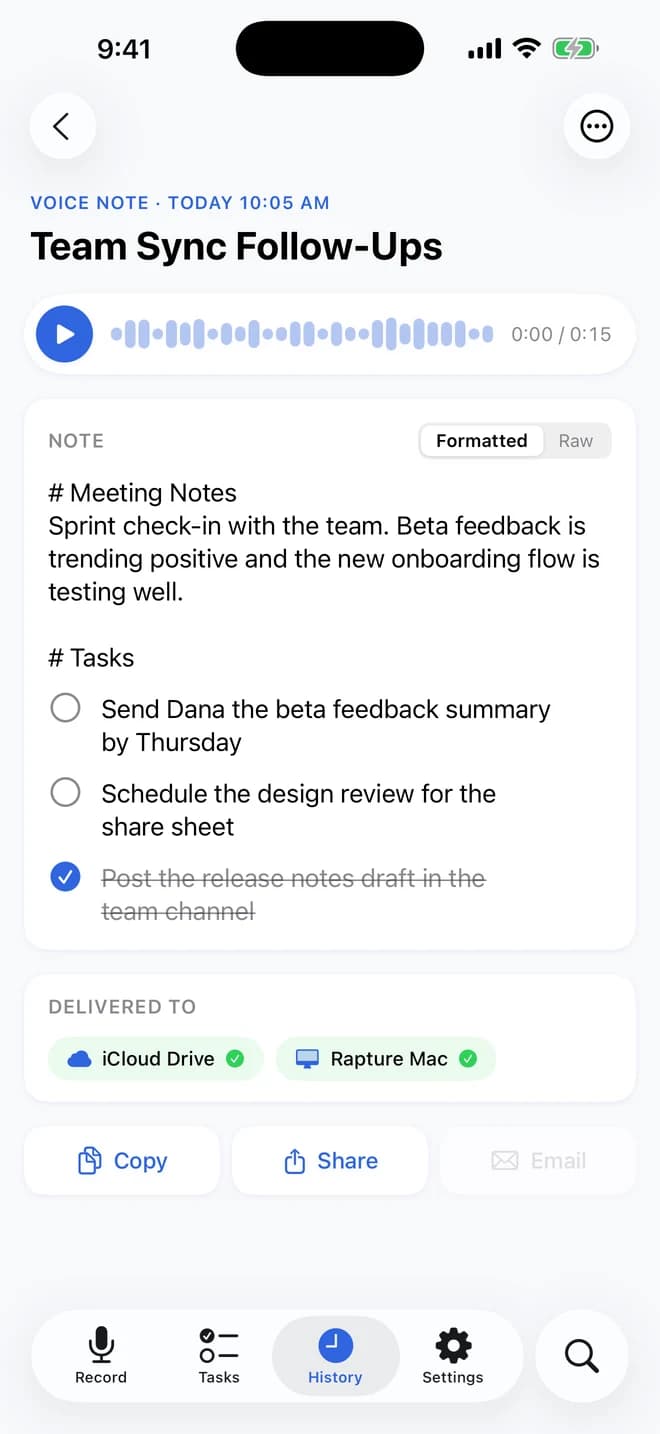
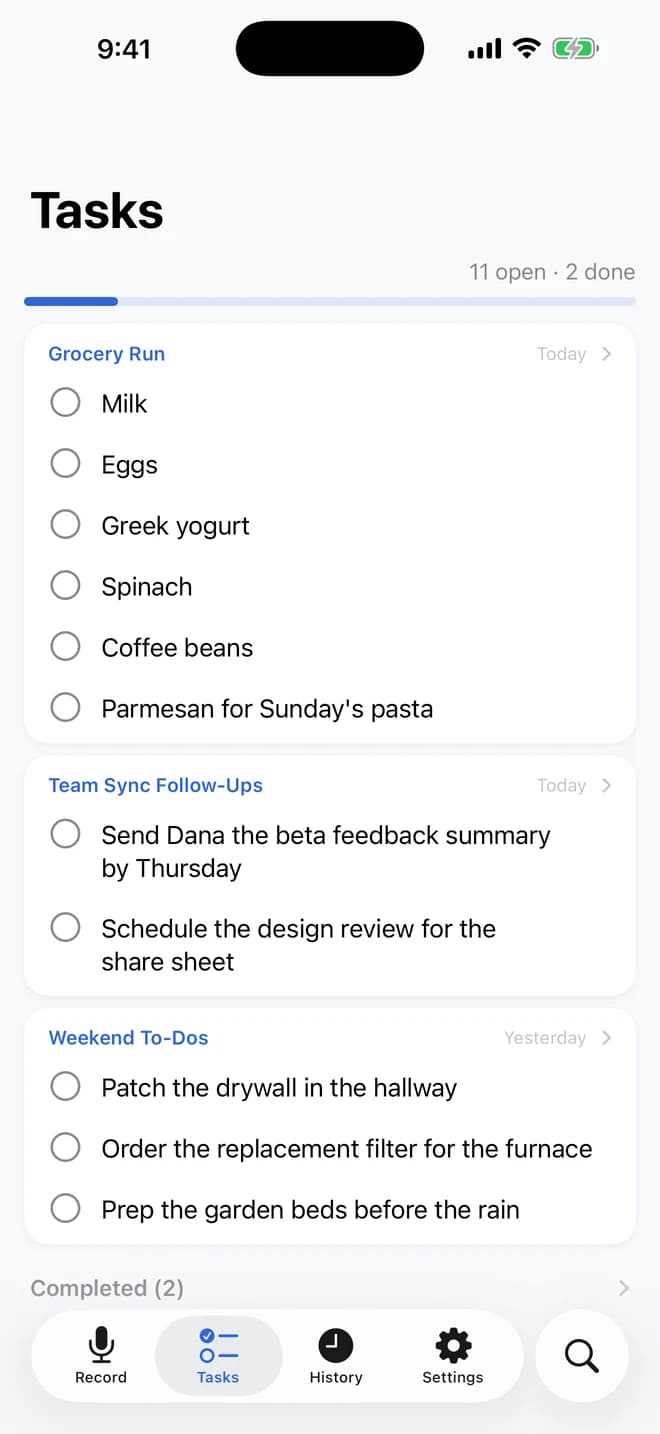
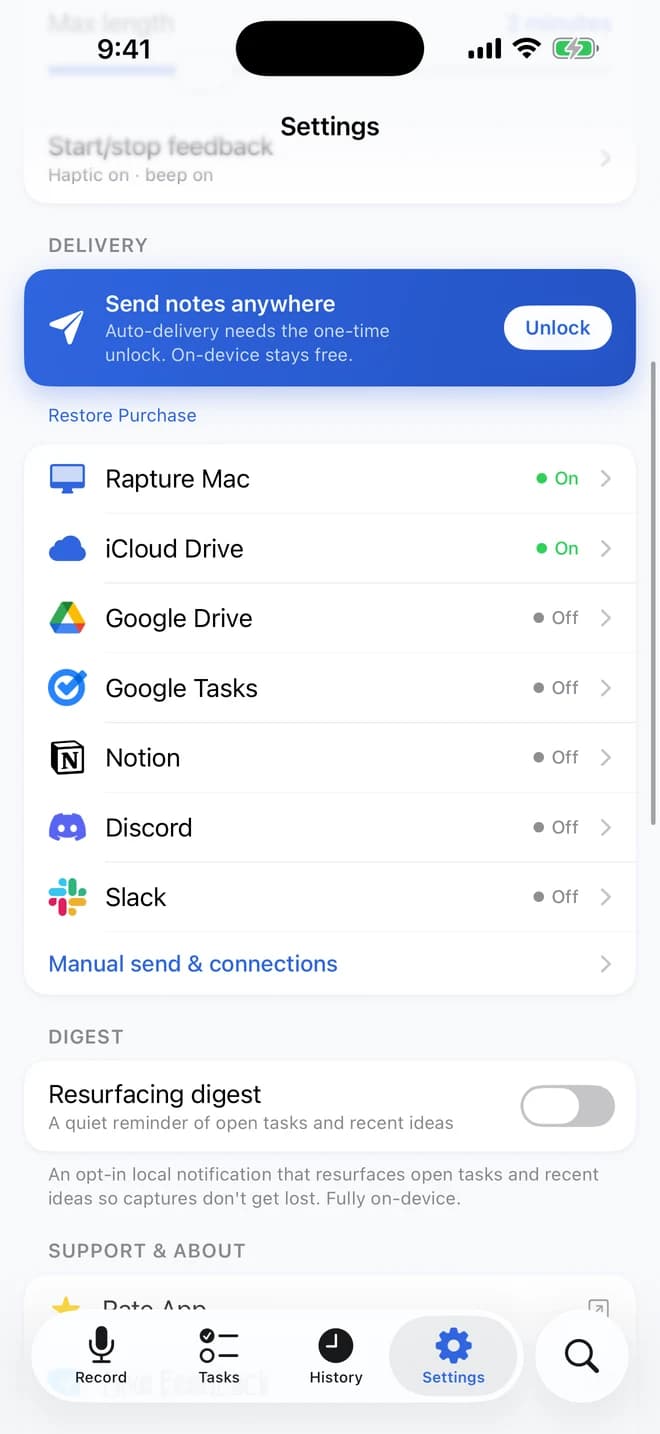
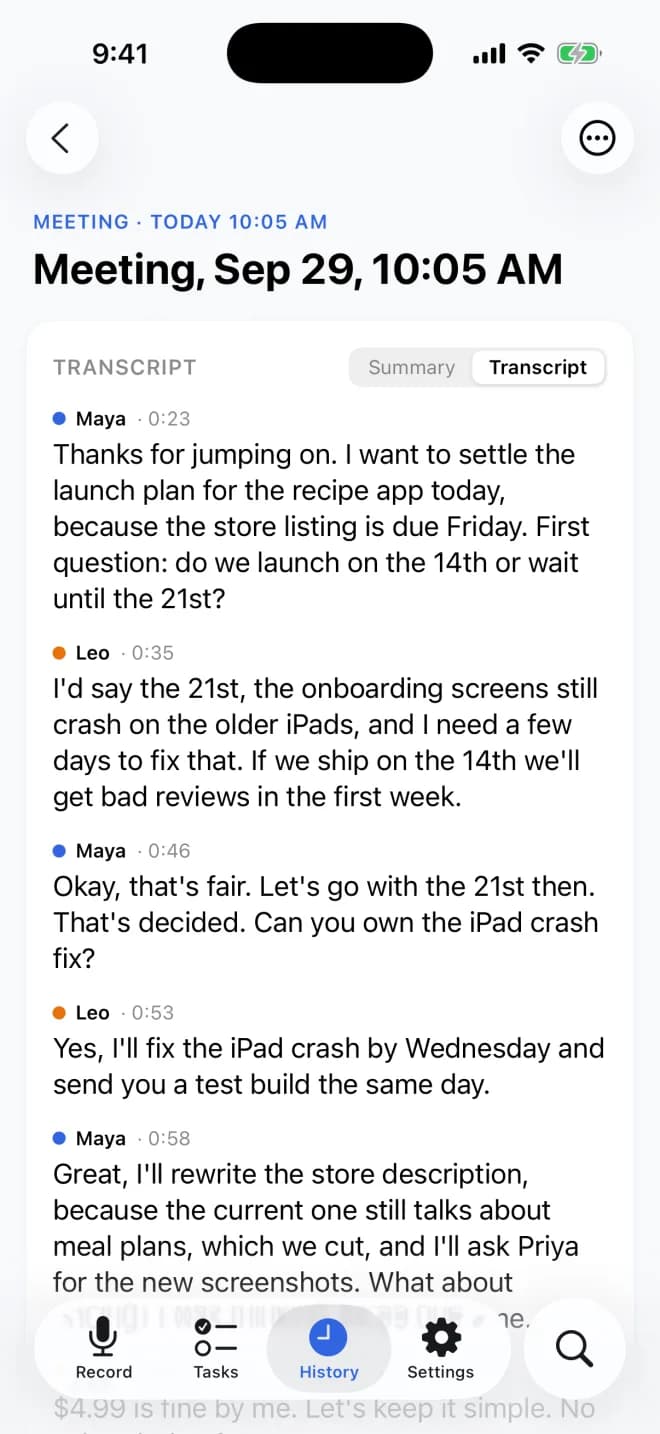
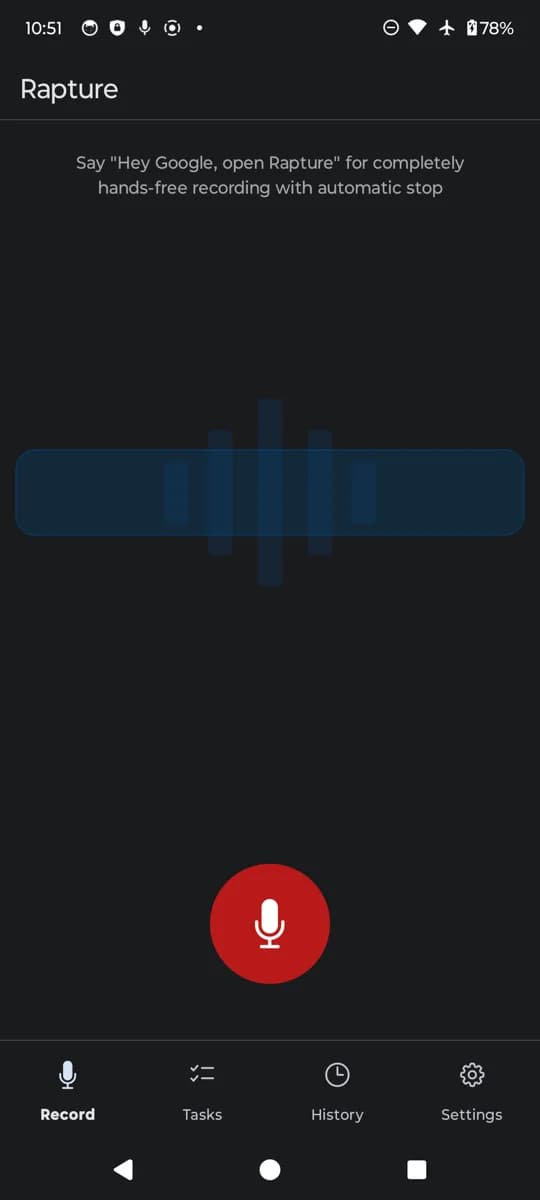
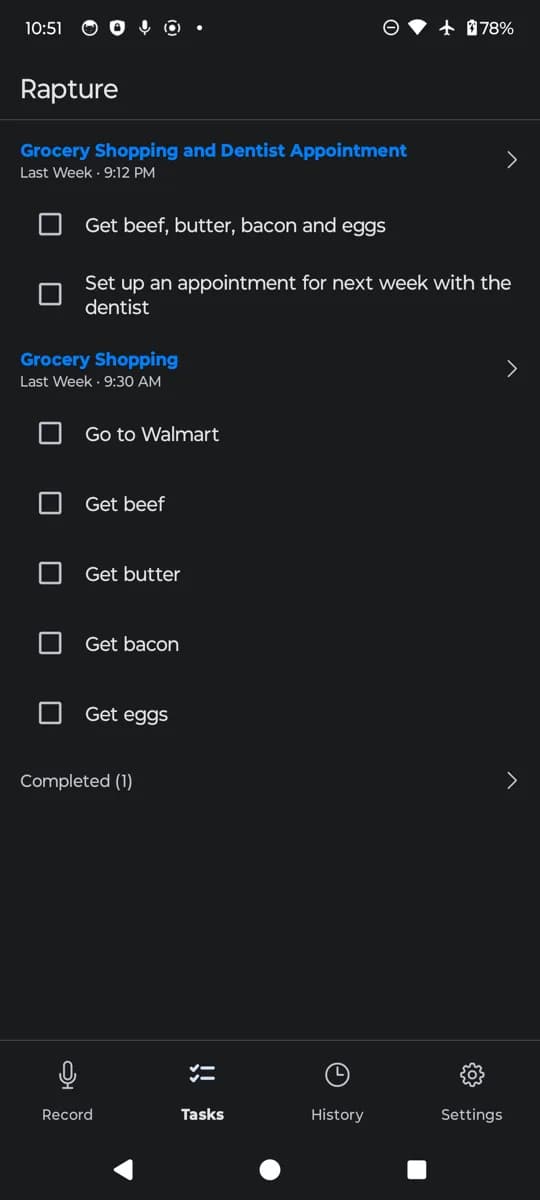
Top: the iPhone app. Bottom: the same pipeline on Android.
$9.99 once unlocks
automatic delivery
The unlock gates exactly one thing: finished notes and meetings routing themselves to the places you work, sorted by what kind of note they are. Every destination is off until you connect it.
On both platforms
- Google Drive
- Google Tasks
- Slack
- Discord
- Notion
On iPhone
- iCloud Drive
- Your Mac, via Rapture for Mac
On Android
- Google Docs
- Obsidian
Buy it once and it's yours; restore the purchase on any new device. See pricing →
Ready to experience
true hands-free recording?
Free on iPhone and Android. Free and open source on Mac.